Free
$0
- Your first 3 clips get everythingThe ghost, the dots and the cue.
- Then film as much as you likeThe skeleton and your score stay free on every clip.
For iPhone · Coming in December
Film a set of dinks or drives. FormWatch finds your reps, lays a ghost of your best one over your body at contact, and shows you the one thing to fix.
Above: a real rep, filmed on an iPhone. The see-through outline is the ghost, matched to the player at contact.
How it works
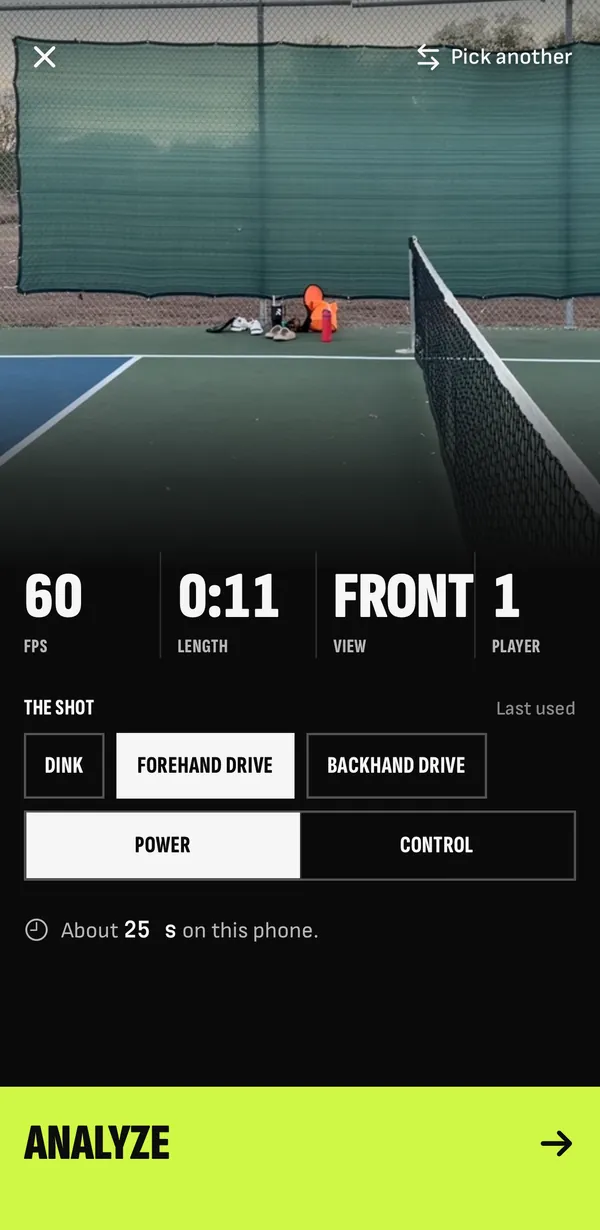
Set the phone on a tripod, side-on, and film a set. Or import a clip from Photos. We check the clip first: frame rate, length and view.
The clip check, before anything runs.
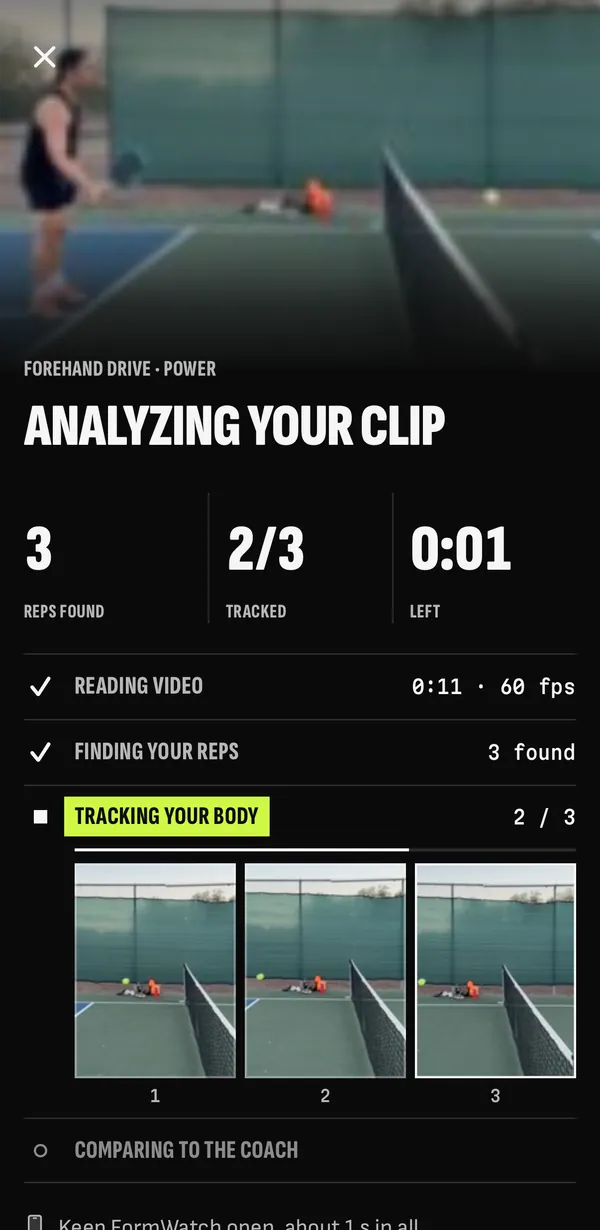
Pick the shot, and power or control on a drive. We find your reps and track your body, all on the phone.
Tracking your body, offline too.
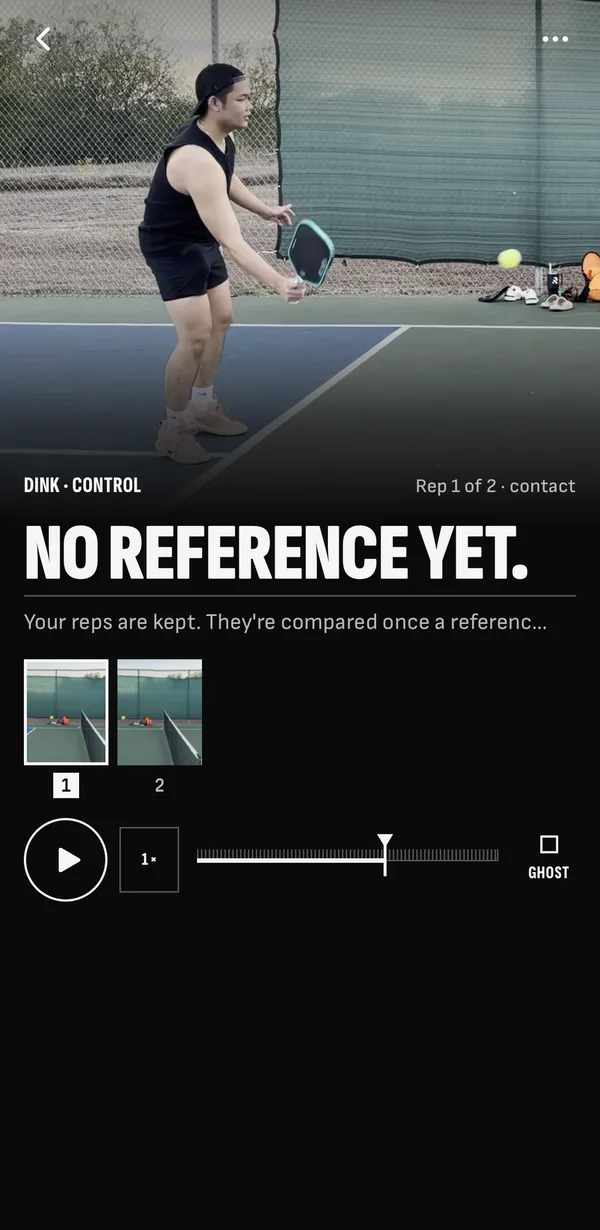
Your rep stops at contact, with the ghost on your body. Up to three dots and one cue: the thing to fix first.
Result, paused at contact. The one cue sits under the picture.
The shots
Forehand dinks at the kitchen line. The soft game, rep after rep.
Tell us power or control, and we compare it with the right model.
One hand or two. We ask once, when you start.
More shots after launch.
Price
$0
$9.99 a monthor $69.99 a year, 7 days free
Planned prices. We’ll confirm them before launch.
Questions
An iPhone 12 or newer, on iOS 26. Everything runs on the phone, so a newer phone finishes sooner.
Put the phone on a tripod at hip height, 3–4 m (10–13 ft) away, side-on to you. Keep your whole body and the paddle in the picture for the whole set.
Film in the app, or import a clip you already have from Photos. 60 fps helps on drives.
They stay on your phone, in Photos. Tracking and scoring run on the phone, offline too. No video is uploaded.
Only body points and your results back up to your account, so a new phone keeps your history. The privacy policy has the details.
Your own best rep, once you’ve filmed a few. Until then, a reference rep from an interim player, and the app says so on screen. A coach’s reference comes later, as an update.
No. FormWatch looks at form, not results, and it doesn’t estimate a rating. It shows what your swing does and the one thing to fix first.
FormWatch comes to the App Store for iPhone in December. Join the waitlist and we’ll write when it’s out. Android comes later.
We’ll send a short welcome now, and write again when FormWatch is on the App Store in December.